


Gallery
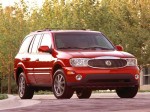
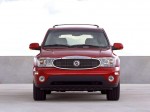
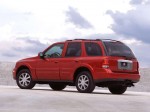
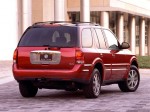
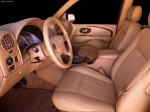
Buick Rainier / Gallery

|
|
|
|
|
|
See also:
Matching Transmitter(s) toYour Vehicle
Each remote keyless entry transmitter is coded to
prevent another transmitter from unlocking your
vehicle. If a transmitter is lost or stolen, a
replacement can be purchased through your
dealer. R ...
Remote Vehicle Start
For vehicles with this feature, the
engine can be started from outside
the vehicle. ...
Reporting Safety Defects to the
Canadian Government
If you live in Canada, and you believe that your vehicle
has a safety defect, notify Transport Canada
immediately, in addition to notifying General Motors of
Canada Limited. Call them at 1-800-3 ...