


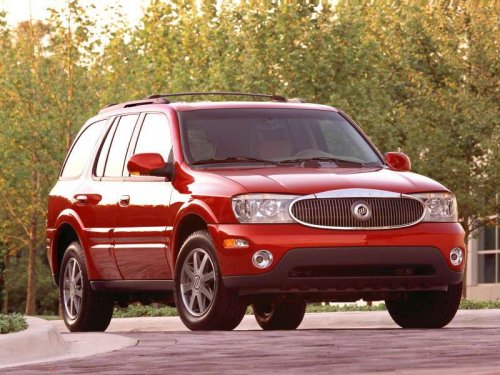
Buick Rainier
Buick Rainier / Gallery / Buick Rainier
Buick Rainier
See also:
Muting a Call
During a call, all sounds from inside
the vehicle can be muted so that the
person on the other end of the call
cannot hear them.
To mute a call, press , and
then say “Mute Call.”.
To can ...
Tire Sealant
Read and follow the safe handling
instructions on the label adhered to
the sealant canister.
Check the tire sealant expiration
date on the sealant canister. The
sealant canister should be rep ...
Using the Digit Dial Command
1. Press and hold for two
seconds. The system
responds with “Ready” followed by a tone.
2. Say “Digit Dial”. The system responds with “Digit
dial using <phone name>, please say ...