


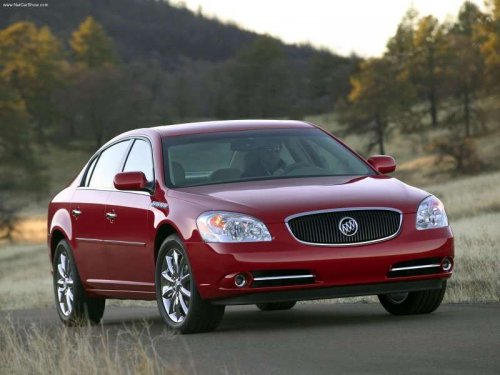
Buick Lucerne
Buick Lucerne / Gallery / Buick Lucerne
Buick Lucerne
See also:
TPMS Sensor Matching Process
Each TPMS sensor has a unique identification code. The identification code needs
to be matched to a new tire/wheel position after rotating the vehicle’s tires or
replacing one or more of the TPM ...
Outside Heated Mirrors
When the rear window defogger is turned on, the
driver’s and passenger’s outside rearview mirrors
also heat to help clear them of ice, snow, and
condensation. ...
Automatic Transmission Fluid
How to Check Automatic Transmission Fluid
It is not necessary to check the transmission fluid level. A transmission fluid
leak is the only reason for fluid loss. If a leak occurs, take the vehicle ...