


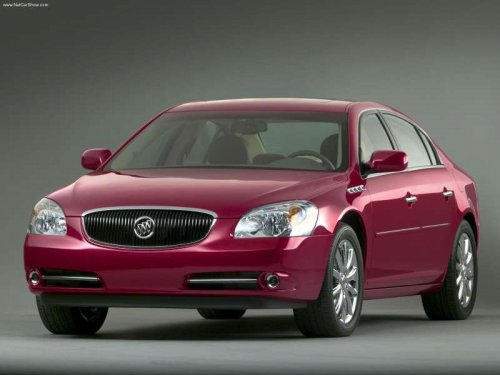
Buick Lucerne
Buick Lucerne / Gallery / Buick Lucerne
Buick Lucerne
See also:
Video Screens
The video screens are located in the
back of the driver and front
passenger seats.
To use the video screen:
1. Push the release button located
on the seatback console.
2. Move the screen to ...
Clock (Radio with CD and Touchscreen)
The infotainment system controls
are used to access the time and
date settings through the menu
system. See Overview (Radio with
CD) or Overview
(Radio with CD/DVD and MEM) or Overview (Radi ...
Remote Keyless Entry (RKE) System Operation
The transmitter functions will work
up to 20m(65 ft) away from the
vehicle. On vehicles with remote
start the distance will be greater.
Keep in mind that other conditions,
such as those previ ...