


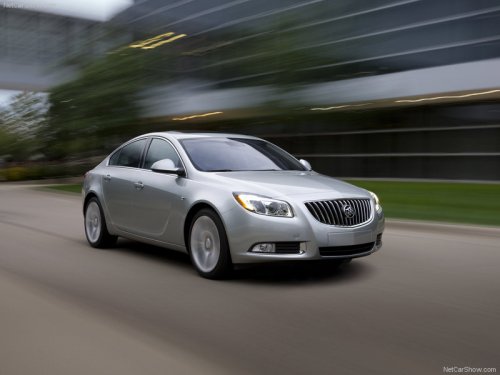
Buick Regal
Buick Regal / Gallery / Buick Regal
Buick Regal
See also:
Instrument Panel Illumination Control
Instrument Panel Illumination Control
The brightness of the instrument
panel lighting and steering wheel
controls can be adjusted.
(Instrument Panel
Illumination): Move and hold the
thumb ...
Older Children
Older children who have outgrown booster seats should wear the vehicle safety belts.
The manufacturer's instructions that come with the booster seat state the weight and height limitations for that ...
Hill Start Assist (HSA)
Some vehicles have a Hill Start Assist (HSA) feature, which may be useful when
the vehicle is stopped on a grade. This feature is designed to prevent the vehicle
from rolling, either forward or re ...