


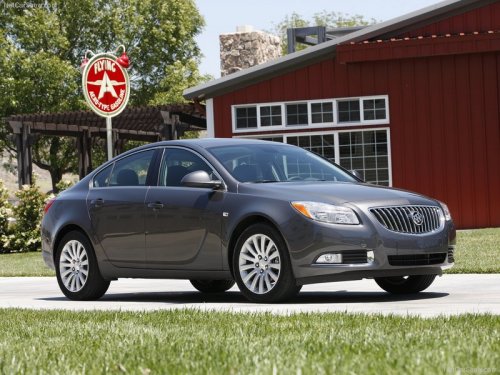
Buick Regal
Buick Regal / Gallery / Buick Regal
Buick Regal
See also:
How to Check Power Steering
Fluid
Check the level after the vehicle has
been driven for at least 20 minutes
so the fluid is warm.
To check the power steering fluid:
1. Turn the ignition to LOCK/OFF
and let the engine compartme ...
Halogen Bulbs
WARNING
Halogen bulbs have pressurized gas inside and can burst if you drop or scratch the bulb. You or others could be injured. Be sure to read and follow the instructions on the bulb package. ...
Instrument Panel, Vinyl, and OtherPlastic Surfaces
A soft cloth dampened with water may be used to
remove dust. If a more thorough cleaning is
necessary, a clean soft cloth dampened with a
mild soap solution can be used to gently remove
dust and d ...