


Gallery
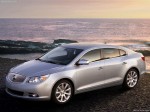
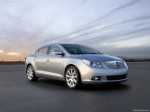
Buick LaCrosse / Gallery

|
|

|

|
|

|
See also:
Power Steering
If power steering assist is lost because the engine stops
or the system is not functioning, the vehicle can be
steered but it will take more effort. ...
Where Are the Airbags?
The driver frontal airbag is in the middle of the steering
wheel.
The right front passenger frontal airbag is in the
instrument panel on the passenger side.
Driver Side shown, Passenger Si ...
English and Metric Unit Conversion
To change the display units between English and metric units, see Driver Information
Center (DIC) . ...