


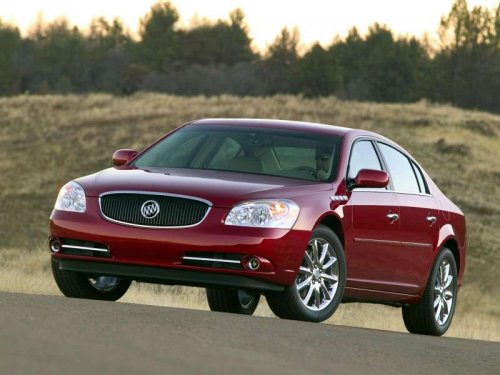
Buick Lucerne
Buick Lucerne / Gallery / Buick Lucerne
Buick Lucerne
See also:
With Selective Ride Control
1. Move the shift lever to the left
from D (Drive).
The vehicle will be in Sport
Mode. The gear indicator in the
DIC will still display a D for
Drive, and the SPORT MODE
ON message will be ...
Dual Automatic Climate Control
System
The heating, cooling, and ventilation for the vehicle can
be controlled with this system.
For vehicles with the remote start feature and it is
activated, the climate control system heats or cools ...
Distracted Driving
Distraction comes in many forms and can take your focus from the task of driving.
Exercise good judgment and do not let other activities divert your attention away
from the road. Many local govern ...