


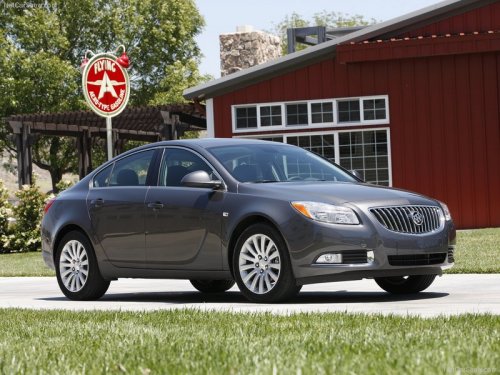
Buick Regal
Buick Regal / Gallery / Buick Regal
Buick Regal
See also:
DIC Warnings and Messages
Messages are displayed on the DIC to notify the driver
that the status of the vehicle has changed and that
some action may be needed by the driver to correct the
condition. Multiple messages may ...
Compass Messages
CAL
This message is displayed when the compass needs to be calibrated.
See Compass .
– – – Three dashes will be displayed if the compass needs service. See your dealer for service. ...
Park Brake and P (Park) Mechanism Check
WARNING!
When you are doing this check,
the vehicle could begin to move.
You or others could be injured
and property could be damaged.
Make sure there is room in front
of the vehicle in case ...